


 Contact Platform Support
 Help Center
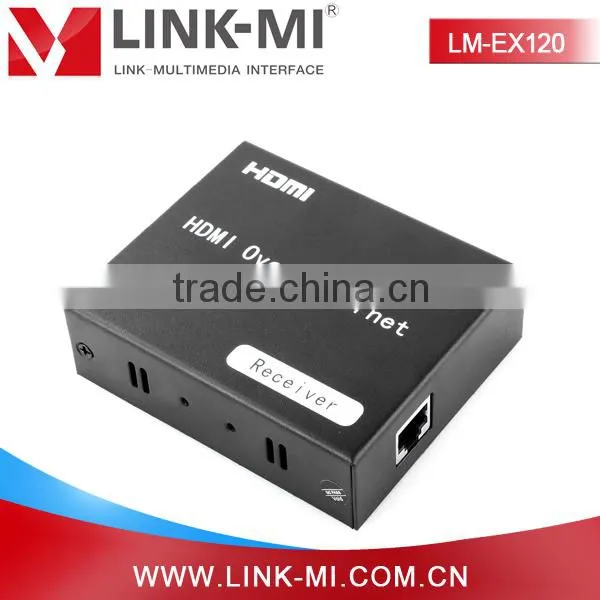
2015 LINK-MI/OEM LM-EX120 via RJ45 Cable 120m Point to Many Hdmi Extender Over ip Support Ethernet & IR


Related Products
-
 LM-EP22 Hdmi Video Broadcast Repeater With TCP ip 120m Over Single UTP Cat5e Cable Ethernet ExtenderNegotiableMOQ: 5 Sets
 -
LM-CX100 100m Powerline HDMI Over Single Coaxial Extender, HDMI Extender Transmitter Receiver With IR BlasterNegotiableMOQ: 5 Sets
-
Manufacturer OEM 30m HDMI Wallplate IR Extender With UTP Cable FixerNegotiableMOQ: 5 Sets
-
LINK-MI LM-EW02 Dual Port Home Theater HDMI Keystone Wall Plate Best BuyNegotiableMOQ: 5 Pieces
-
LM-GES24 Work With LM-EX22 HDMI Smart Matrix,24-Port 8K MAC Address Ethernet SwitchNegotiableMOQ: 5 Pieces
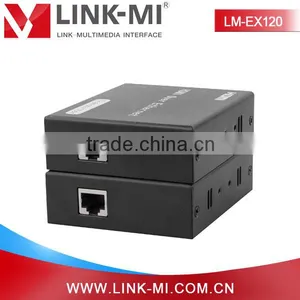
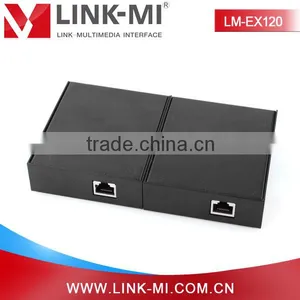
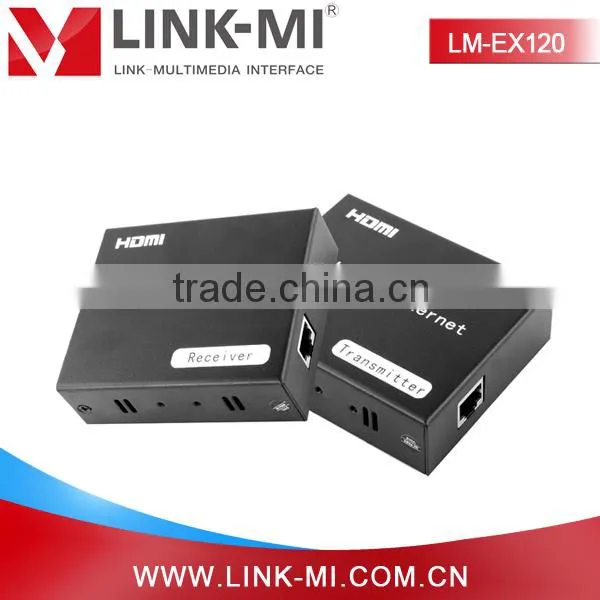
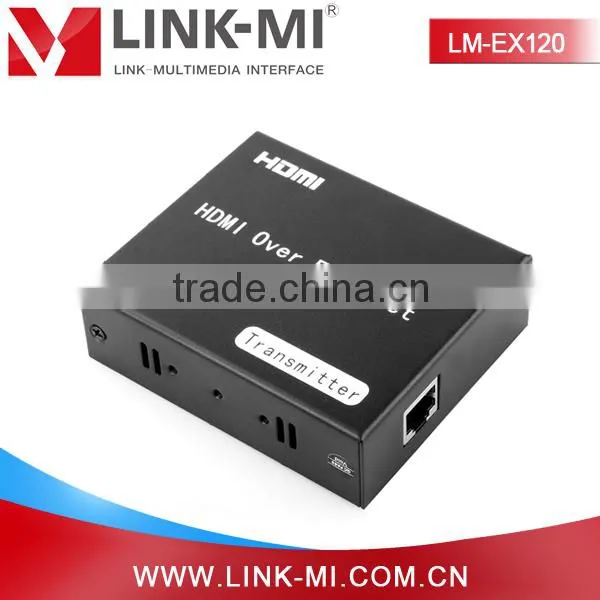
120m point to many hdmi extender over ip support ethernet & IR
Specification
1.HDMI extender Over Ethernet
2.Following TCP/IP standard
3.Support HDMI1.3 protocol
4.HDCP1.1 &1.2 protocol compliant
2015 LINK-MI/OEM LM-EX120 via RJ45 cable 120m point to many hdmi extender over ip support ethernet & IR
Model NO.:LM-EX120
Key words: 120m point to many hdmi extender over ip support ethernet & IR
120m point to many hdmi extender over ip support ethernet & IR
Introduction
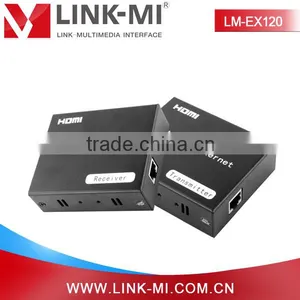
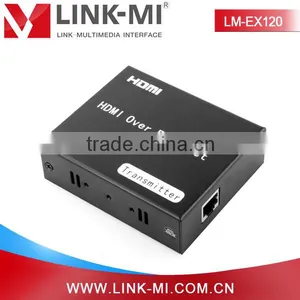
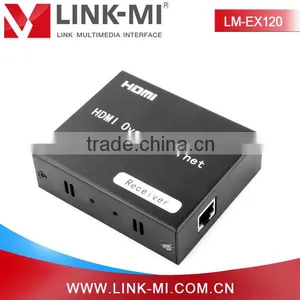
LM-EX120 120m HDMI Extender Over Ethernet is based on TCP/IP standard. It transmit your HD display with the high resolutions up to 395 feet (120 meters) away from your HDMI or DVI-D source by using one CAT5e/6 cable. With the advantage of TCP/IP standard,you can extend your HD video to multiple displays by using an Ethernet Switch.
Main feature
1. Following TCP/IP standard.
2. Support HDMI1.3 protocol.
3. HDCP1.1 & 1.2 protocol compliant
4. Support point-to-point mode, one point-to-many mode and cascade connection mode.
5. Support IR extender function allows IR remote control of Source devices from remote viewing location by sending IR commands received in the vicinity of the Display back to the Source devices.
Parameters
| HDTV Resolutions | 480p,576p,720p,1080p |
| Audio Sample rate | 32kHz, 44.1kHz and 48kHz |
| IR remote control | 38KHz; NEC |
| HDMI | HDMI 1.3 |
| HDCP | HDCP 1.2 |
| Power adapter | Input: 100V - 240V (50 - 60Hz) Output: 5V/1A |
| Power consumption | HDMI Sender: 3W HDMI Receiver: 3W |
| Size(L-W-H) | 100×60×25mm |
| Weight | 128g*2PCS |
| Operating Temperature/Humidity | 0 – 70 Degree Celsius / 10% - 80%RH(no condensation) |
| Storage Temperature/Humidity | -10 - 80 Degree Celsius / 5% -90% RH(no condensation) |
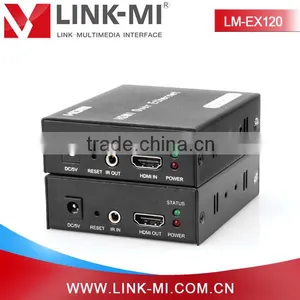
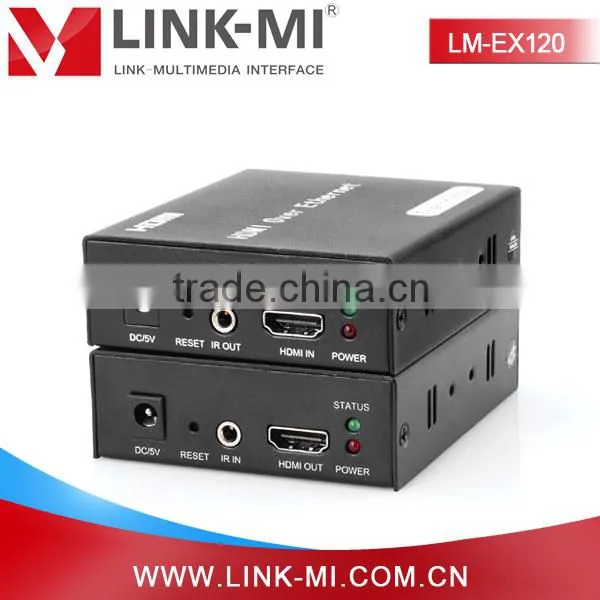
Panel description
Connecting and operating
1) Connect the HDMI source (such as DVD, PS3, STB ) to the HDMI IN of Sender.
2) Connect the IR sender to the Sender IR OUT Port, and Be Directed at HDMI video source’s IR receiver.
3) Connect the HDMI out of Receiver to HDTV display.
4) Connect the IR receiver to the Receiver IR IN Port.
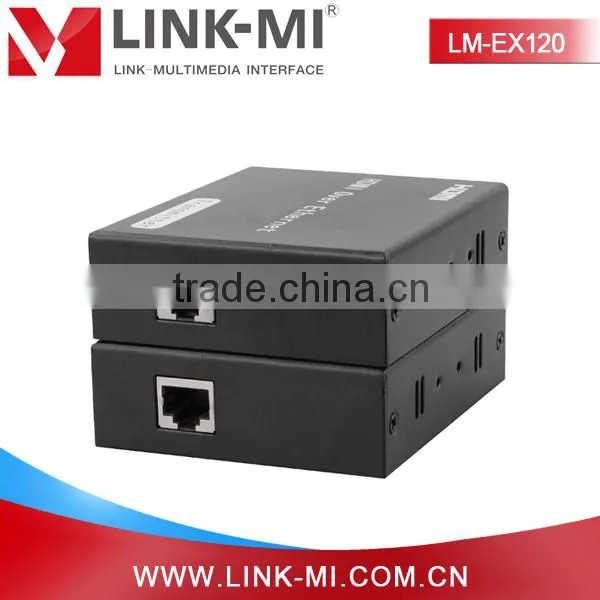
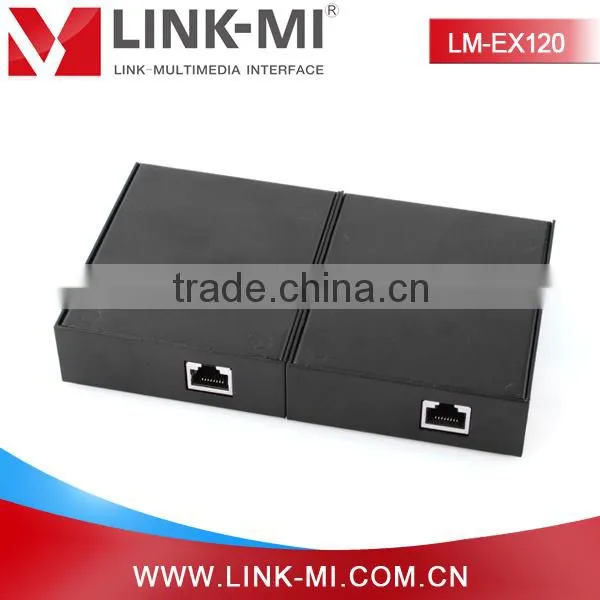
5) Use one Cat5e/6 cable up to 120m to connect the Sender and Receiver.
6) Plug two pieces of 5V power supply into the Sender and Receiver.
7) Power on the HDTV display and HDMI source.
Connection diagram
Packing contents
1) Main Unit. 120m HDMI Extender Over Ethernet
2) Two pieces of 5V DC Power Supply.
3) a pieces of IR transmitter and a pieces of IR receiver
4) User’s Manual
Package diagram

Send Inquiry to This Supplier

You May Also Like
-
3.5 Jack Earphone For Lightning to 3.5mm AUX Headphones Adapter Audio Cable For IPhone SE 2020 12 Mini 11 Pro XS Max XS XR X 7 8US$ 1 - 1.5MOQ: 1000 Pieces
-
Audio Video CableNegotiableMOQ: 2400 Pieces
-
AV Cable for WiiNegotiableMOQ: 10 Pieces
-
2015 New Arrival Wireless Usb Transmitter Receiver Bluetooth TransmitterUS$ 11.5 - 15MOQ: 1000 Pieces
-
Wifi Music Receiver Wireless Usb Stereo Audio Transmitter Receiver Bluetooth Music Receiver For Smart Phone MP3 MP4 PCUS$ 5.3 - 5.3MOQ: 100 Units
-
HDMI Cable VK2-0022US$ 2.5 - 5.5MOQ: 1000 Pieces
-
Trolley Speaker With USB/SDUS$ 49 - 51MOQ: 20 Sets
-
Video Wall ControllerUS$ 100 - 250MOQ: 2 Sets
-
DIN Cable Assembly 8-pin Mini DIN Plug to 4 x RCA Jack and 3.5 Stereo PlugUS$ 1.5 - 2MOQ: 500 Pieces
-
EL Flashing Audio LineUS$ 7.5 - 10MOQ: 500 Pieces


